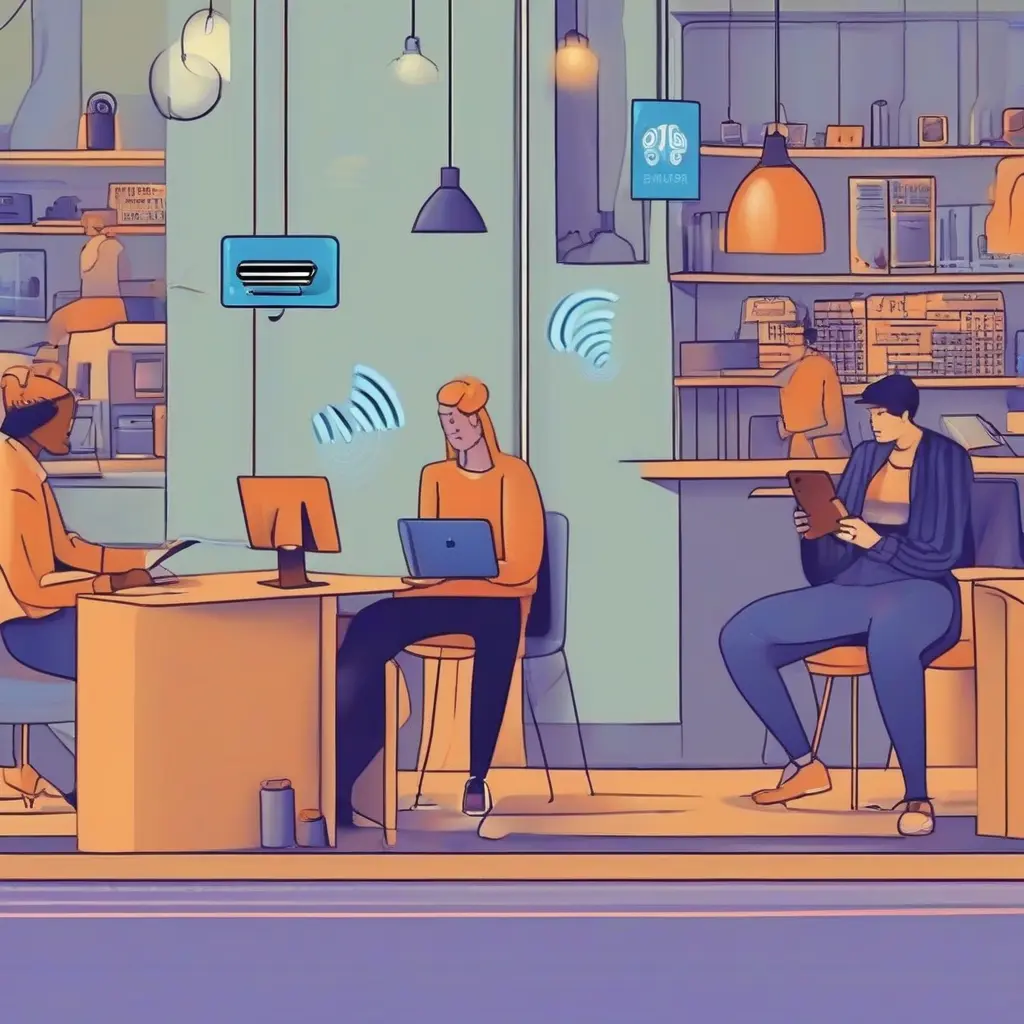
Public Wi-Fi is a common feature in cafes, airports, and hotels, offering convenience and accessibility. However, while it allows easy internet access, it also presents significant risks to users’ online security. Cybercriminals can exploit vulnerabilities in these networks to gain unauthorized access to sensitive information, such as passwords and financial details. Understanding how these threats operate and applying effective safety measures can help users enjoy the benefits of public Wi-Fi while minimizing their exposure to risks.
The Risks of Using Public Wi-Fi
Using public Wi-Fi can expose individuals to various risks, including data theft, man-in-the-middle attacks, and malware distribution. These networks often lack encryption, making it easier for hackers to intercept data transmitted over them. Additionally, unsecured routers create vulnerabilities that can be exploited. Once attackers gain access to a user’s device, they can easily retrieve sensitive information, which could lead to identity theft or financial loss. Being aware of these risks is the first step towards implementing better security practices.
How Cybercriminals Exploit Public Wi-Fi
Cybercriminals utilize several techniques to exploit public Wi-Fi networks. One common method is the creation of rogue hotspots that mimic legitimate networks, tricking users into connecting. Once connected, attackers can capture users’ data, including login information and communications. Additionally, packet sniffing tools allow hackers to intercept data packets sent over shared networks. Knowing these tactics can empower users to be more cautious and protect their personal information while using public Wi-Fi.
VPNs: Your Best Defense Against Public Wi-Fi Risks
Using a Virtual Private Network (VPN) is one of the most effective ways to protect your data on public Wi-Fi. A VPN encrypts your internet traffic, making it difficult for anyone to eavesdrop on your activities. This added layer of security not only safeguards personal information but also masks your IP address, enhancing privacy. Many reliable VPN services are available, offering user-friendly interfaces and robust security features. By integrating a VPN into your public Wi-Fi usage, you significantly reduce the risk of falling victim to cyber attacks.
Navigating Security Settings on Your Devices
Adjusting security settings on your devices can enhance your protection while on public Wi-Fi. Start by disabling the automatic connection to Wi-Fi networks, which prevents your device from connecting to potentially malicious hotspots without your knowledge. Enabling firewall features and keeping your operating system and applications updated are also crucial steps. Regular updates often patch security vulnerabilities that could be targeted by attackers. Familiarizing yourself with these settings is essential for enhancing your safety online.
Recognizing Secure Websites
When using public Wi-Fi, it’s important to recognize secure websites to protect your data. Look for HTTPS in the URL, as this indicates that the site uses encryption to secure the information exchanged. Browsers may also display a padlock icon in the address bar, signifying a secure connection. Avoid entering sensitive information on sites that do not have these security measures in place. Being vigilant about website security can help reduce the risks associated with data exposure while using public networks.
Limit Your Online Activities
Limiting the types of online activities you engage in while on public Wi-Fi is a smart strategy to minimize exposure to cyber threats. Avoid accessing sensitive accounts, such as online banking or email, where personal information could be compromised. Instead, reserve such activities for secure home or office networks. Keeping your online activities basic, such as browsing and checking less sensitive information, can significantly reduce your risk of data theft while using public networks.
Using Two-Factor Authentication
Implementing two-factor authentication (2FA) adds another layer of security to your accounts. This method requires not only a password but also a second form of verification, usually a code sent to your mobile device. Even if a cybercriminal acquires your password through public Wi-Fi, they would still need the second factor to access your account. Many popular services now offer 2FA, making it a crucial security measure to employ, especially when using unsecured networks.
Educating Yourself on Phishing Scams
Phishing scams often proliferate in public spaces, where users may be less vigilant. Cybercriminals send emails or messages that appear legitimate, tricking users into providing personal information or clicking on malicious links. Proper education on recognizing these scams is vital for protection. Look for suspicious grammar, unexpected requests for personal data, or urgent calls to action. Being cautious and verifying requests from unknown sources can mitigate the risk of falling prey to these tactics while using public Wi-Fi.
The Role of Antivirus Software
Having up-to-date antivirus software on your devices is crucial when accessing public Wi-Fi. This software provides a first line of defense against malicious attacks, including malware infections and spyware. Regular updates ensure that your antivirus solution can counteract the latest threats, keeping your sensitive information safe. Always ensure that your antivirus program is active and performing routine scans, especially after using public networks to maintain device security.
When Public Wi-Fi Is Worth the Risk
Despite the inherent risks, there are times when using public Wi-Fi is unavoidable. Situations such as travel or waiting at an airport might necessitate internet access. In these cases, being vigilant and employing security measures like using a VPN, limiting sensitive activities, and confirming website security can make it safer to connect. It’s about balancing the convenience of public Wi-Fi with proactive measures to protect yourself against potential threats.
Conclusion
Staying safe while using public Wi-Fi is crucial in today’s hyper-connected world. By understanding the potential risks and implementing security measures like using a VPN, strengthening device settings, and being cautious with online activities, users can dramatically reduce their exposure to cyber threats. Awareness and preparation play significant roles in navigating public networks safely, allowing individuals to take advantage of the convenience they offer while safeguarding their privacy and personal information.